Settings
The Settings of your project contain the information you'll need on publication. But there are also things that affect development directly. For example locales and line background.
Change text data
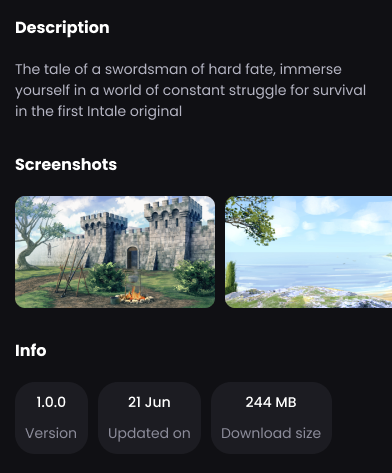
There are 3 text customization options in the settings:
- Name - displayed in search, feed and on the tale page
- Description for the tale page
- Version
The version of the tale does not change automatically when you download an update. Please monitor this yourself, but nothing other than your convenience and users are affected. It is completely under your control in terms of customization.
Set media data
You can set 3 types of media data to publish a tale:
- Cover
- Logo
- Screenshots
Format restrictions
Media data can only be in the following formats: png, jpeg, jpg, webp, tiff
Other formats are not supported
Don't change file names through File Explorer and don't move files if they are already set in blocks! Do it only through the Intale Studio interface. Otherwise, the file will disappear from all blocks it is installed in.
Examples
Cover
- On tale page
- Recommended
- Feed
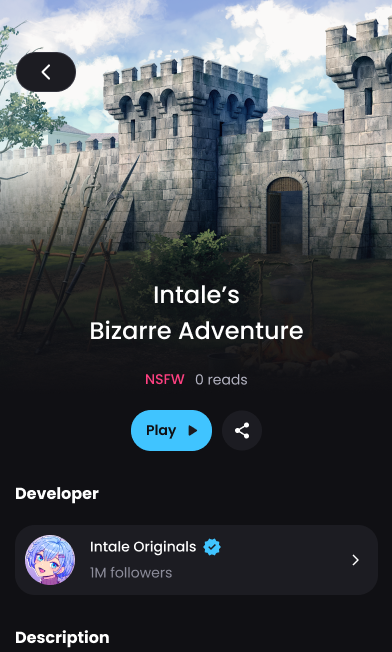
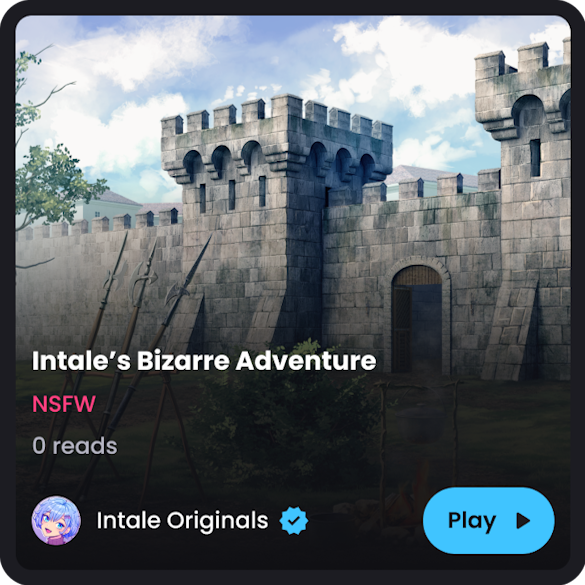
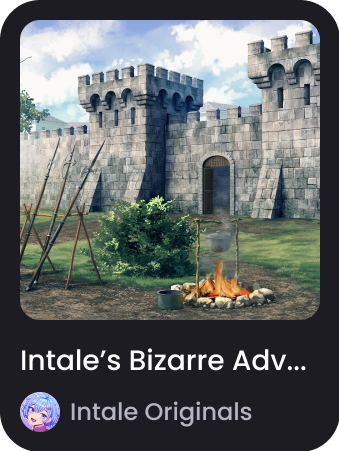
Logo
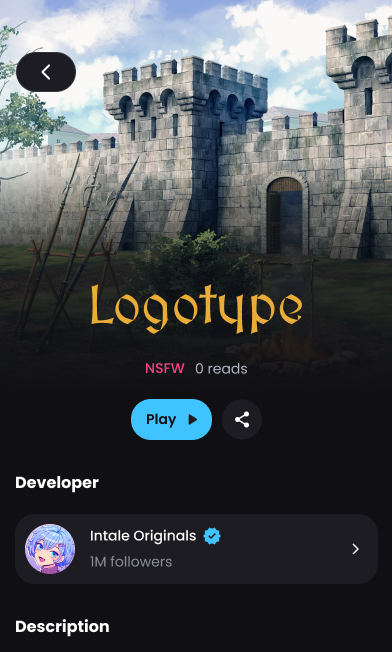
Logo replaces the tale name on the tale page!
- With Logo
- Without Logo
Screenshots
Publication preview
It would be really handy to preview how your tale will look in the search feed, its page, etc. in advance. We'll make it happen ASAP, please be patient ♥
Other
Line background
The setting below allows you to change the default dark semi-transparent background for lines to any other.
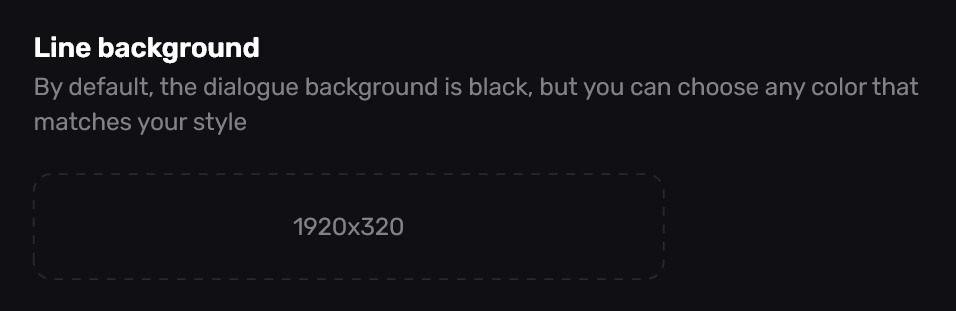
Example
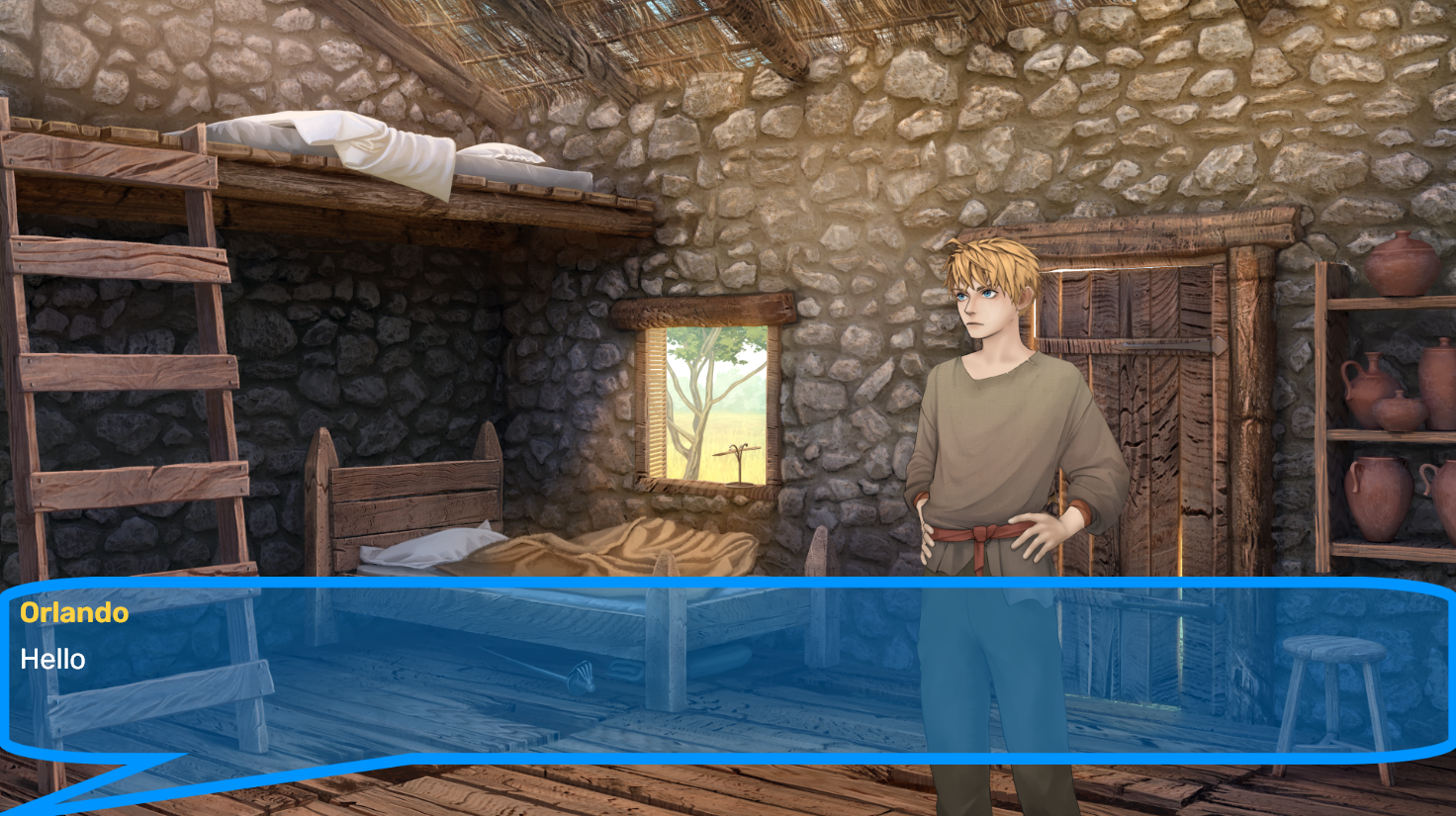
In the next version, we will add the ability to customize actor background and line background separately.
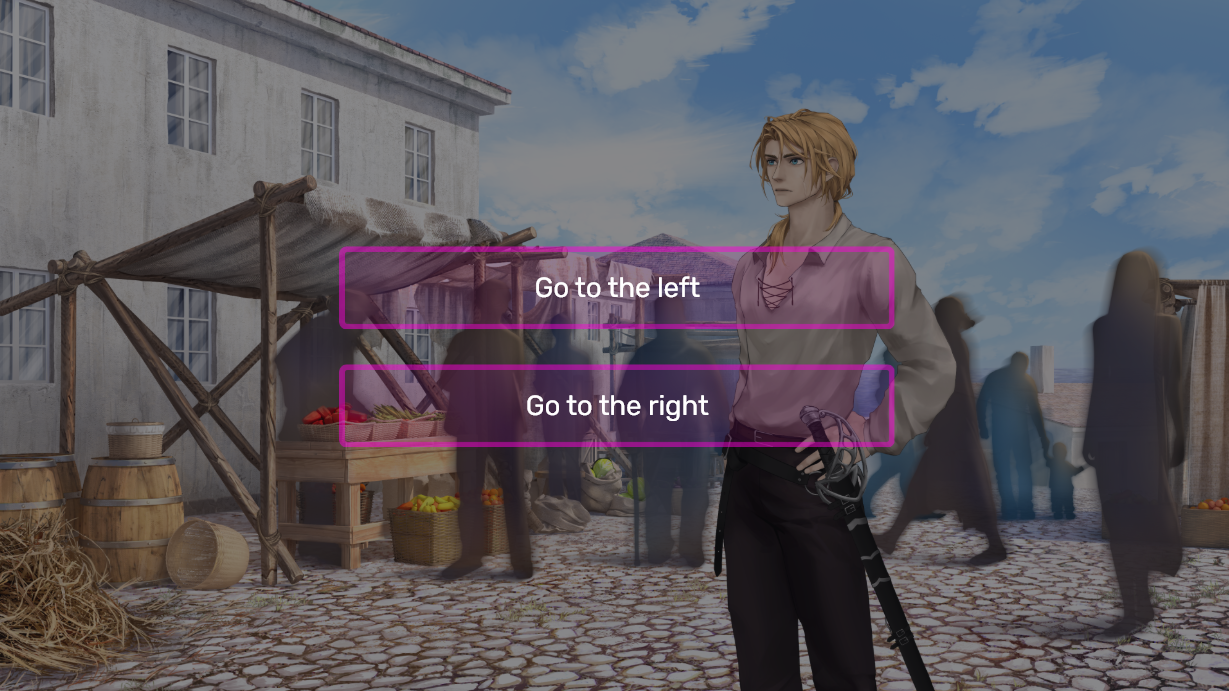
Choice background
The setting below allows you to change the default dark semi-transparent background for choices to any other.
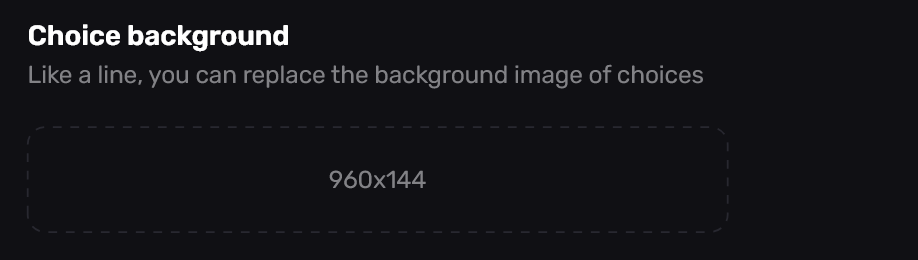
Example
NSFW Policy
A tale marked with this checkbox will be displayed as NSFW.
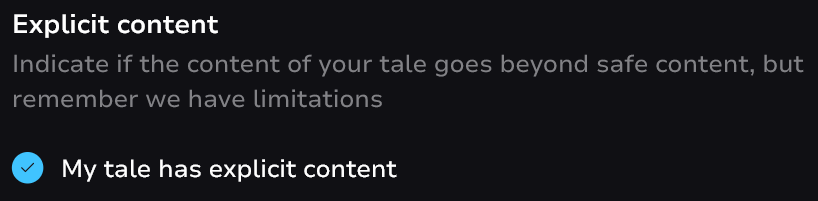
If your tale contains 16+ content - you must check this box. Otherwise, your work will not be allowed to be published during the moderation process!
Explicit adult sexual content is currently prohibited from being published on the platform, even with the checkbox checked due to AppStore and Google Play policies.