Sound
The characters' speech - check. The characters themselves - check. Backgrounds - check. Now let's make your tale sound!
Sound block at your service.
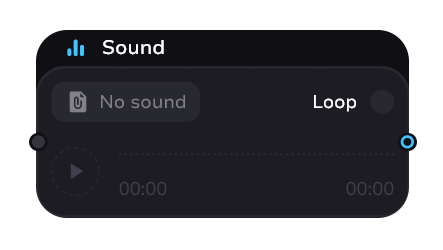
Adding Sounds
Just like with sprites and actors - you need to load the files into the project in the sounds tab first.
The sound block is not yet on the canvas:
- Drag and drop a sound from the left tab to an empty space on the canvas
The sound block is already on the canvas:
- Drag a sound from the left tab to the desired sound block
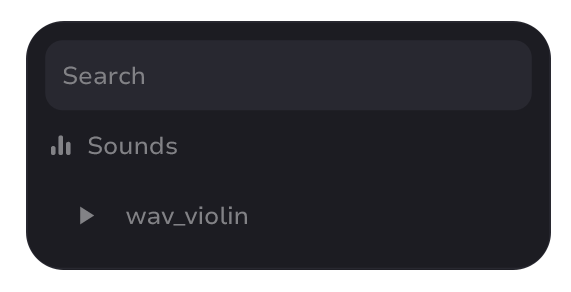
- Click on the current sound (default is “No sound”) and select the one you want in the modal window
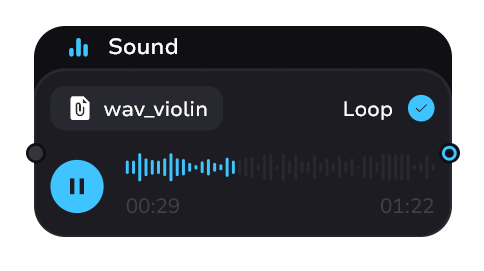
Sound control
- Audio playback button
- Interactive audio track for more detailed pre-listening
- Loop checkbox - if enabled, when the audio ends in the tale it will start again until the audio is cleared (this has no effect on pre-listening)
warning
All your audio files should be prepared in advance. Including volume, duration and effects. We will definitely add an editor for this in the future, but the current version doesn't have it.